
Circuit Quest
Complete 80 browser-based missions from a single closed loop through Arduino, robot power rails, sensing, Ethernet, CAN, Cerebro, and CerebroVisionPro.
Open the virtual classroom →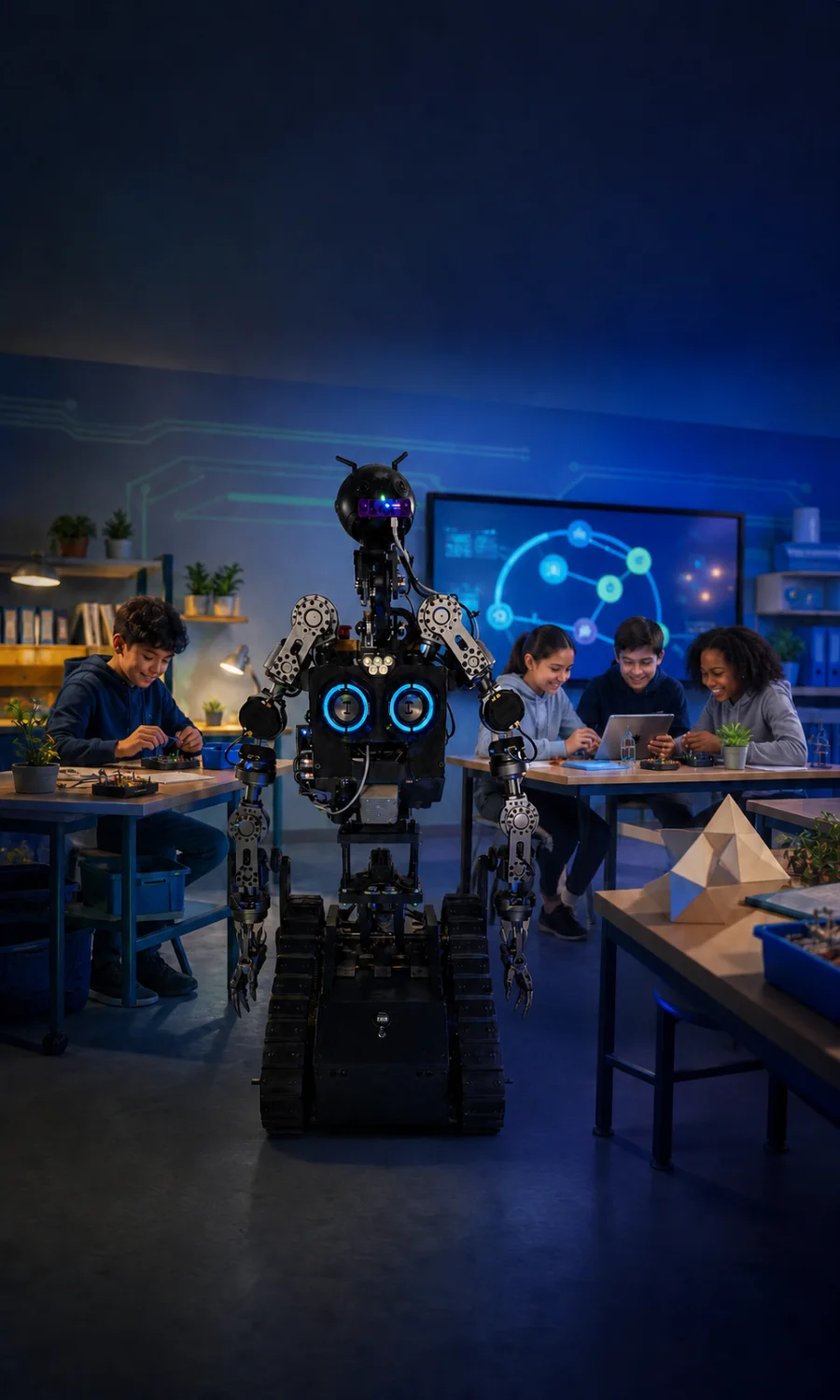
The Orbitus Robotics learning classroom
Begin with a virtual circuit, train ROB through a playable campaign, follow the books into the real engineering stack, and inspect the open-source projects behind every lesson.
Choose your first door
Use the experience that fits the learner today, then move between games, books, experiments, and source code as confidence grows.
Complete 80 browser-based missions from a single closed loop through Arduino, robot power rails, sensing, Ethernet, CAN, Cerebro, and CerebroVisionPro.
Open the virtual classroom →Drive, battle, earn upgrade points, solve doors and hazards, and learn the systems vocabulary shared by the website, iPhone, iPad, and Apple Vision Pro.
Choose a game platform →Read from a picture story through youth maker volumes and advanced implementation books, including the discounted complete digital collection, on Apple Books.
Explore the book catalog →Inspect the Swift, Objective-C, Arduino, RealityKit, web, networking, and robotics code that powers the lessons and simulations.
Browse the repositories ↗A progression that keeps returning to evidence
The classroom gets more precise without changing its core habits. Learners always separate energy from information, observations from authority, and a successful demo from a verified system.
Classify inputs, outputs, structure, energy, signals, feedback, and safe states with virtual circuits and paper models.
Use the games to experience differential drive, timing, collisions, energy budgets, upgrades, sensors, and mission planning.
Follow the books and source into protocols, control ownership, measured motion, perception limits, privacy, and bounded autonomy.
Learn where you are
The browser classroom begins immediately. Native ROB Training expands the campaign with RealityKit, AR placement, spatial controls, and a tabletop workshop.
Open Circuit Quest or ROB Training in a modern browser. Progress and upgrades stay on the device unless the learner explicitly chooses an optional Apple sign-in feature.
Start on the web →Drive with touch controls, pause into the component classroom, and place a simulated ROB on a detected surface for closer inspection.
See the mobile app →Place and scale the mission on a table, drive with spatial input or controllers, and inspect ROB as a complete RealityKit learning model.
See the spatial app →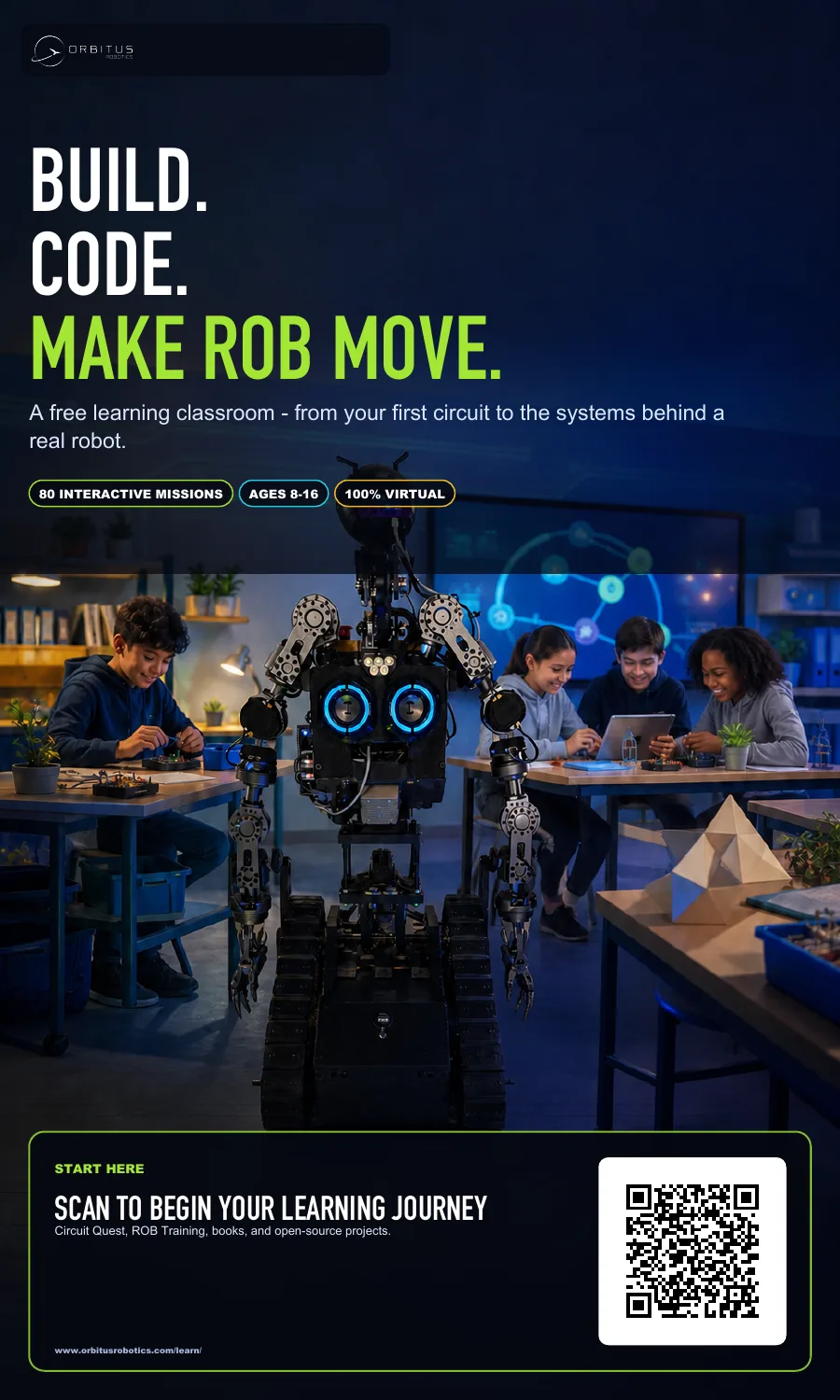
Classroom and event campaign kit
The print-ready 36×60-inch poster uses vector typography and a verified QR code that returns here. The stable landing page means the poster can keep working as new lessons, apps, and books arrive.
Download the 3×5-foot print PDFFrom a signal to real motion
Explore a LACT cutaway, active-low BLDC pulses, Maestro servo targets, Tic stepper commands, and AMBER CAN and Ethernet. Change the numbers and read each line of code.
Open the Motor Workshop →