
Open. Edit. Save.
Start with a new XML property list or open an existing file. Standard macOS Open and Save panels keep file selection in your hands.

Native Mac utility · Available now
LingonXRob Plist Editor
Create a property list, open a file you choose, and edit its commands, schedules, and advanced settings through a focused native interface.
macOS 14 or later · Apple silicon and Intel · No account required
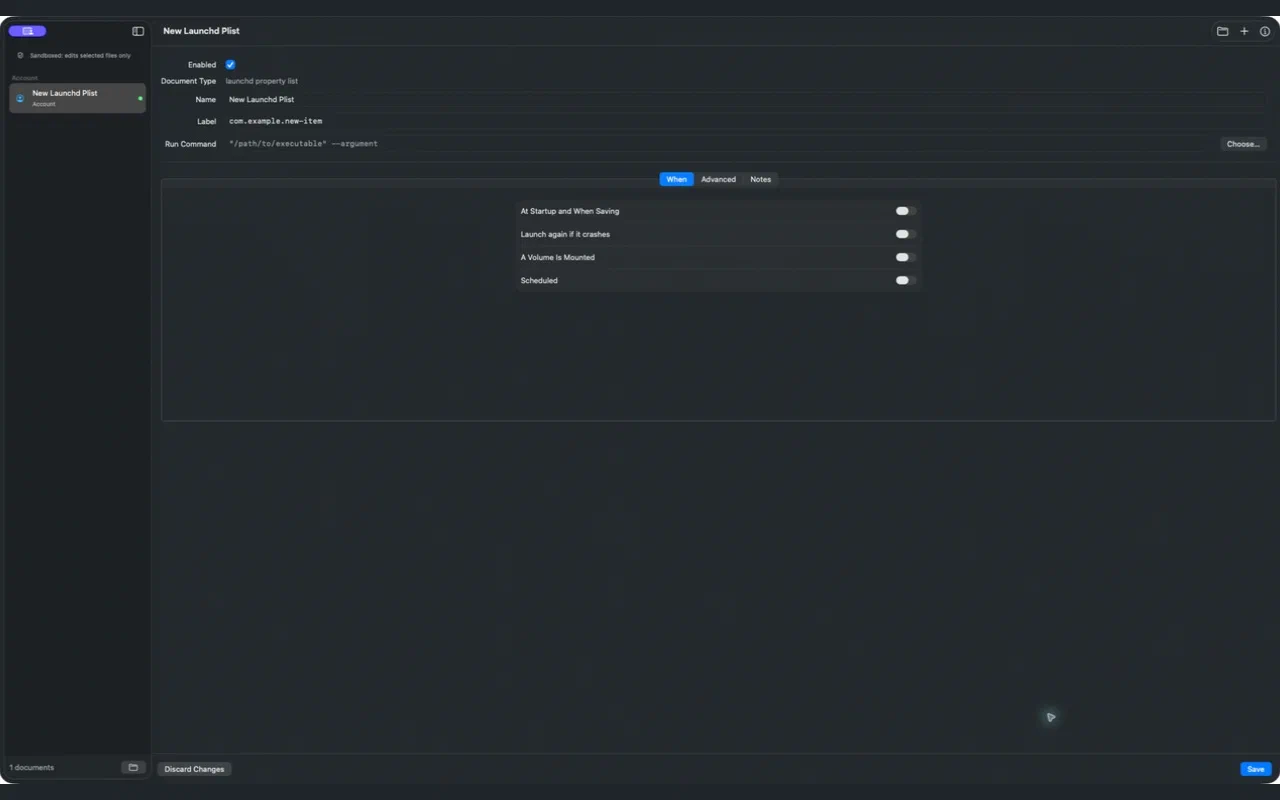
Start with a new XML property list or open an existing file. Standard macOS Open and Save panels keep file selection in your hands.
Edit labels, commands, startup behavior, keep-alive settings, schedules, session options, paths, Mach services, and notes. Unrecognized keys in existing files are preserved.
The App Store edition edits the files you select. It does not install or run jobs, scan launchd folders, execute commands, or request administrator access.
No accounts, analytics, tracking, advertising, or data collection. Read our privacy policy or contact Orbitus Robotics for help.
Explore all Orbitus products →