
Text, shapes, symbols, photos, and video
Build layered compositions from familiar materials. Scale each axis independently, position precisely, and keep the canvas clean until you need a control.
Native creative studio iPad · Mac · Apple Vision Pro
Animate.
Paint.
Perform.
Build a scene from text, shapes, symbols, photos, and video. Give it motion and physics. Then step out of slide mode and perform the whole thing live.
Version 1.0 and StoreKit plans are in development
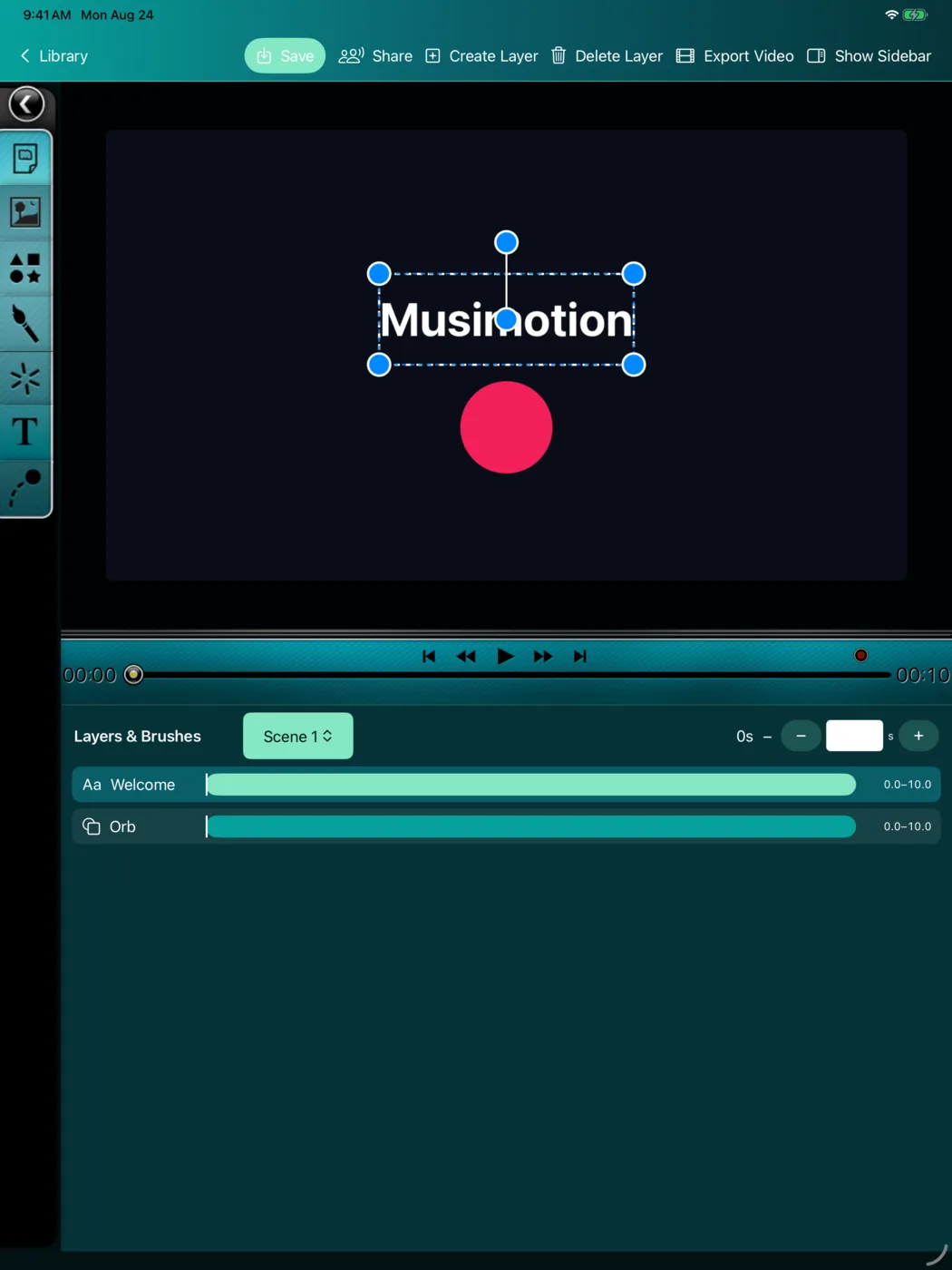
Actual app capture 00:08
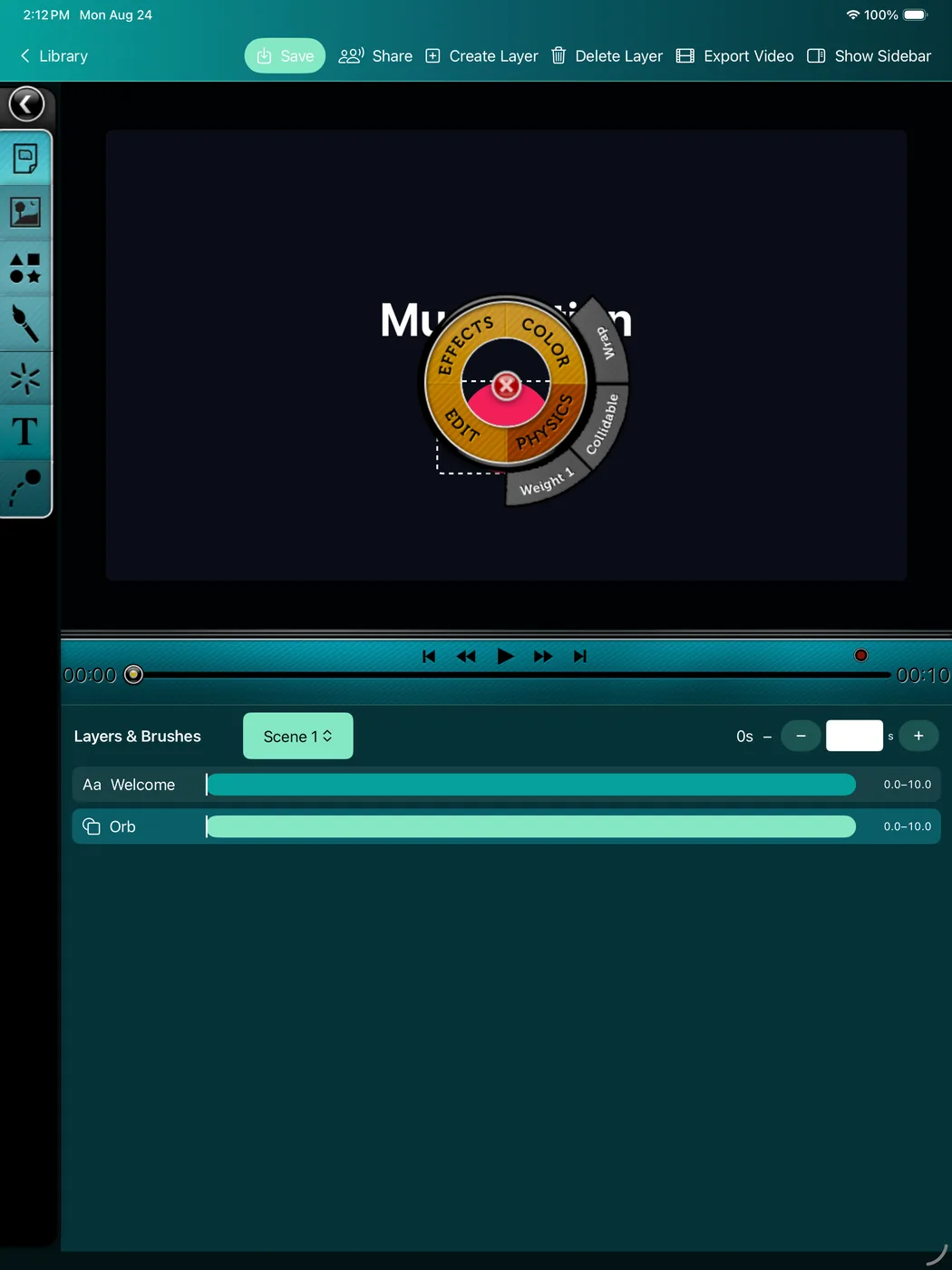
Open the radial tools, style an object, shape its timing, and keep every control close to the canvas. This short capture comes from the working Musimotion app.
Make it yours Direct manipulation
Musimotion keeps the creative loop immediate. Touch the object you want, bring up its contextual controls, and keep working without losing the stage.
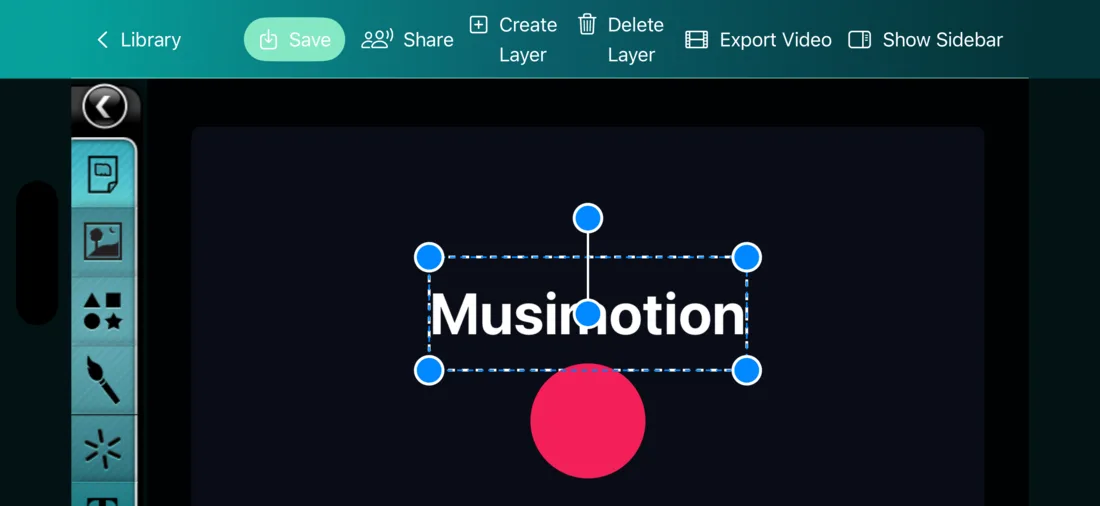
Build layered compositions from familiar materials. Scale each axis independently, position precisely, and keep the canvas clean until you need a control.
Set keyframes, tune layer spans, and play the sequence from a centralized transport designed to make timing feel natural.
Draw with raster paint or turn strokes into live particles. Color, motion, and touch become part of the presentation instead of decoration around it.
Give elements mass, gravity, and collision behavior with SpriteKit-powered physics, then combine authored movement with responsive performance.
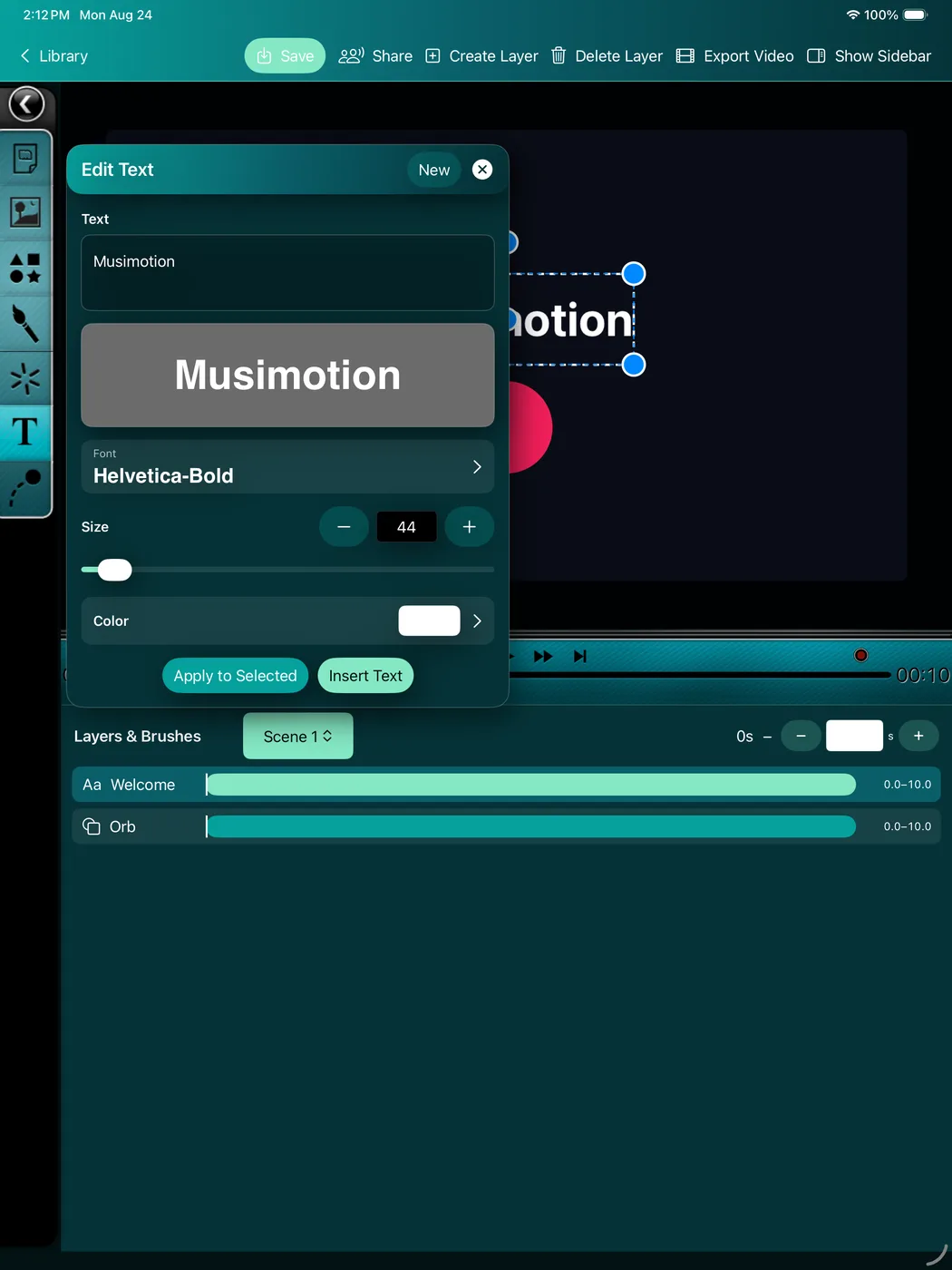
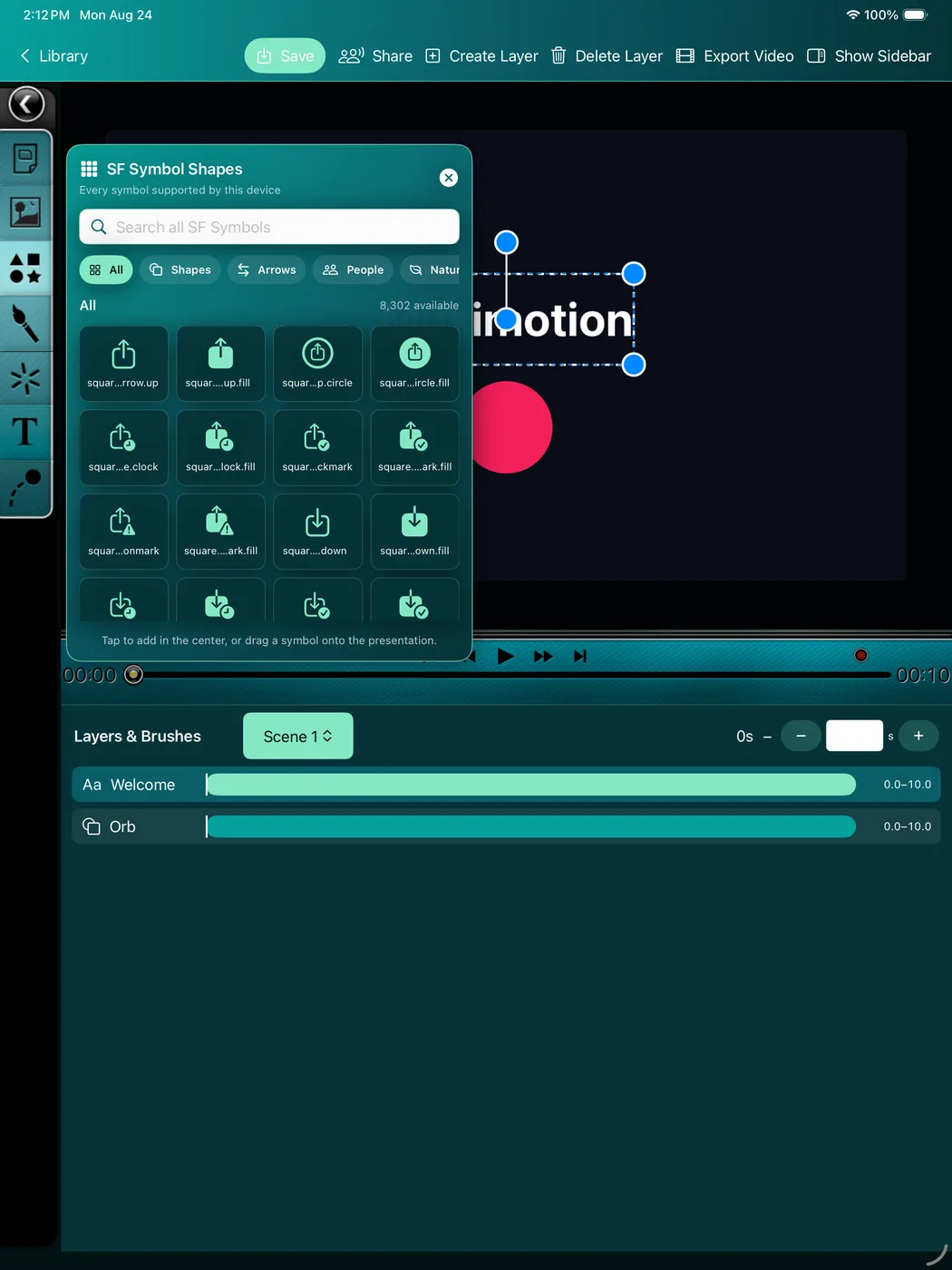
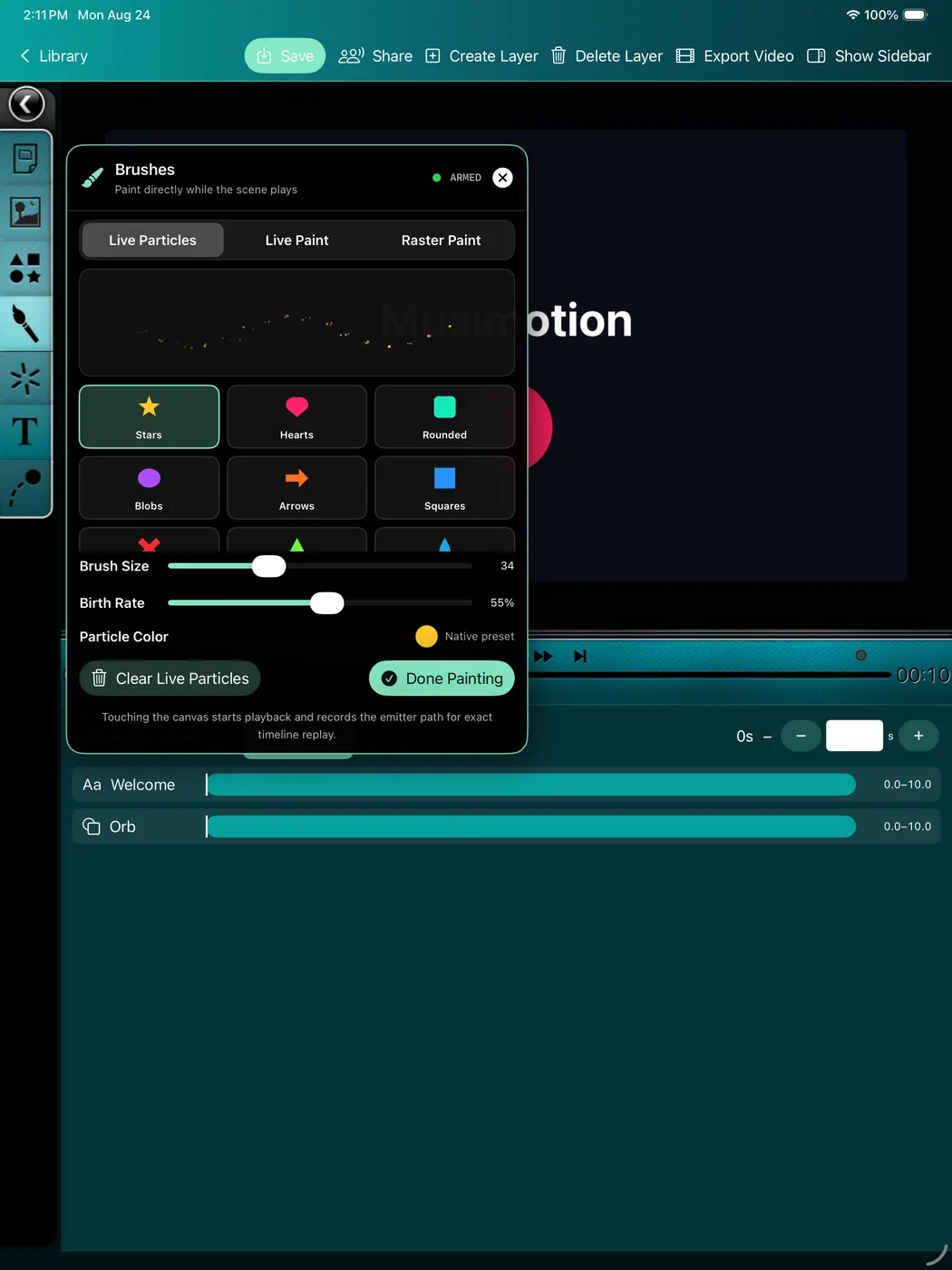
Present differently Replay · interact · export
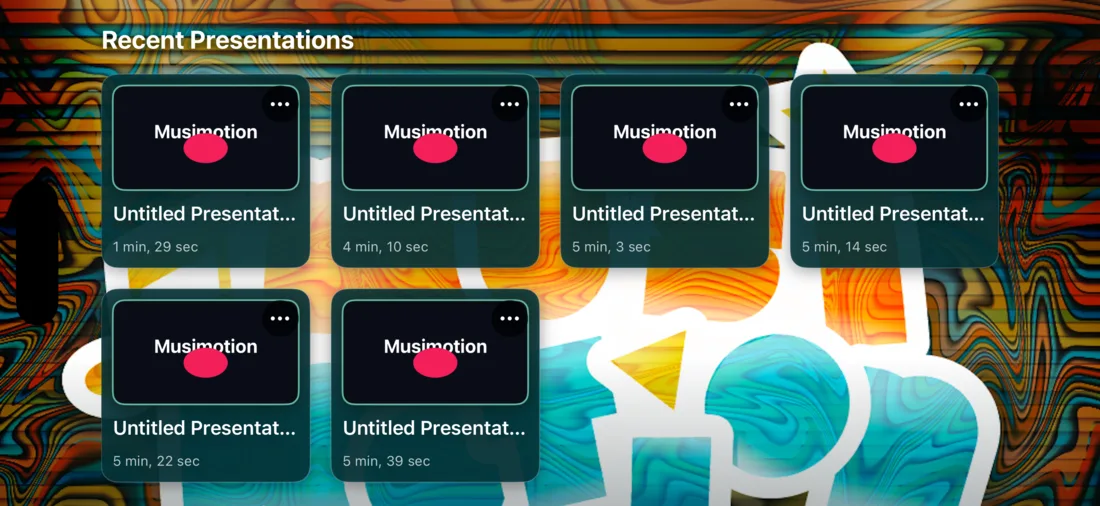
Replay a precisely authored sequence or interact with it in the moment. Musimotion combines a familiar timeline with a responsive stage so creators can design, rehearse, and deliver from the same project.
New creative intelligence Private planning · expressive paint
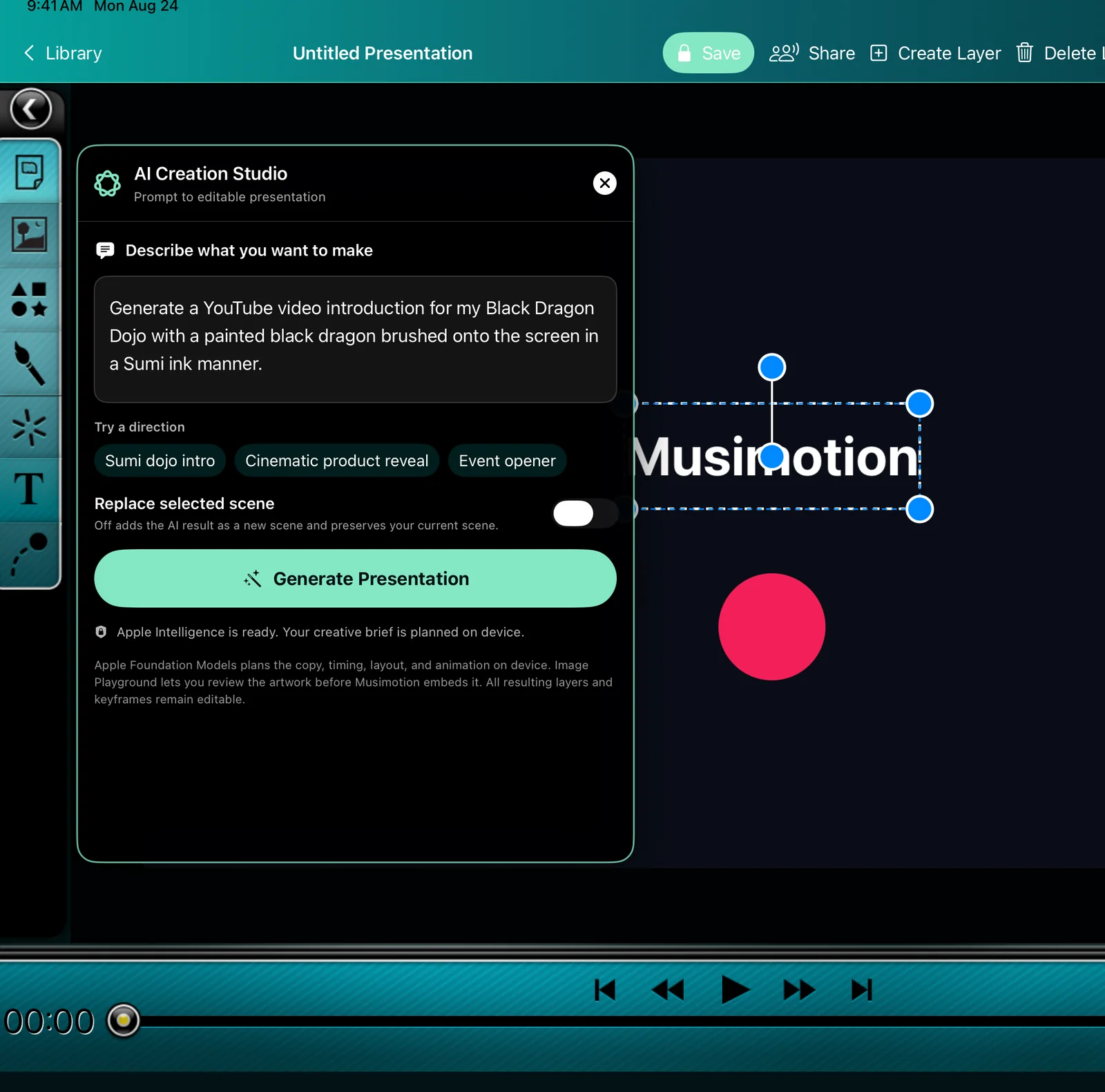
Musimotion’s AI Creation Studio turns a creative direction into native layers and keyframes—not a flattened answer. Pair it with a pressure-aware Sumi ink system for scenes that feel authored, tactile, and completely editable.
AI Creation Studio Apple Intelligence
Apple’s Foundation Models framework privately plans concise copy, timing, layout, palette, and camera movement on the device. Image Playground lets you review or refine the artwork before it enters the scene. Musimotion then builds the result from ordinary text, image, and animation layers you can move, rewrite, retime, or remove.
On compatible Apple Intelligence devices running iOS, iPadOS, macOS, or visionOS 26. When the on-device model or Image Playground is unavailable, Musimotion keeps an editable template-planning path available.
Sumi Ink Apple Pencil dynamics
Round ink blooms with pressure. Flat ink turns and narrows with Pencil angle. Dry Sumi breaks into textured bristles. Ink Wash layers translucent pools. The same deterministic marks appear in the editor, replay, and final export.
Studio preview Community publishing
This gallery reads only Musimotion’s public community records. When creators intentionally publish an experience, its approved preview can appear here; private projects and invitation-only collaborations never enter the website query.
Studio members can publish to the community. Full-resolution paid exports can appear without a watermark; preview exports from the free plan remain clearly watermarked.
Planned launch model Clear upgrades, no export credits
The app will remain a free download, and the editor stays useful for everyone. A permanent purchase unlocks professional local export; Studio supports the services that continue over time. These plans are being implemented and are not yet available for purchase.
.musimotion packages$49.99/year · 14 days free, then $49.99/year unless canceled.
Join the Studio waitlist| Capability | Free | Pro Export | Studio |
|---|---|---|---|
| Create, edit, animate, paint, use physics | Yes | Yes | Yes |
| Save and replay local projects | Yes | Yes | Yes |
| Watermarked 720p preview export | Yes | Yes | Yes |
| Full-resolution, watermark-free export | — | Yes | Yes |
Export .musimotion packages | — | Yes | Yes |
| Join or view shared experiences | Yes | Yes | Yes |
| Host live collaboration | — | — | Yes |
| Publish to the community | — | — | Yes |
| Shared editing and version history | — | — | Yes |
Suggested launch prices in USD and subject to storefront changes. Studio includes professional export while subscribed, so no second purchase is required. The planned universal purchase will cover iPadOS, macOS, and visionOS under one App Store record.
Designed to feel fair Upgrade at the value boundary
The paywall appears only for watermark-free or high-resolution export, editable package export, hosting collaboration, or community publishing.
If Studio ends, every local project remains editable and playable. Preview export remains available; only new premium exports and online hosting or publishing relock.
The launch plan is a universal app purchase so a permanent Pro Export unlock or active Studio subscription follows the creator across iPad, Mac, and Apple Vision Pro.
The model follows Apple’s guidance for permanent non-consumable purchases, ongoing subscription value, and universal purchase across Apple platforms.
Musimotion Coming to Apple platforms
Musimotion 1.0 and its paid plans are still being prepared. Contact Orbitus Robotics for launch news, product questions, or early collaboration.