
Text, shapes, symbols, photos, and video
Build layered compositions from familiar materials. Scale each axis independently, position precisely, and keep the canvas clean until you need a control.
Native creative studio iPad · Mac · Apple Vision Pro
Animate.
Paint.
Perform.
Build a scene from text, shapes, symbols, photos, and video. Give it motion and physics. Then step out of slide mode and perform the whole thing live.
As of November 20, 2026, Mac 1.0.0 is approved and awaiting manual release. Vision Pro 1.0.0 build 12 is awaiting App Review and is set for automatic release after approval. The iPad edition is in development.
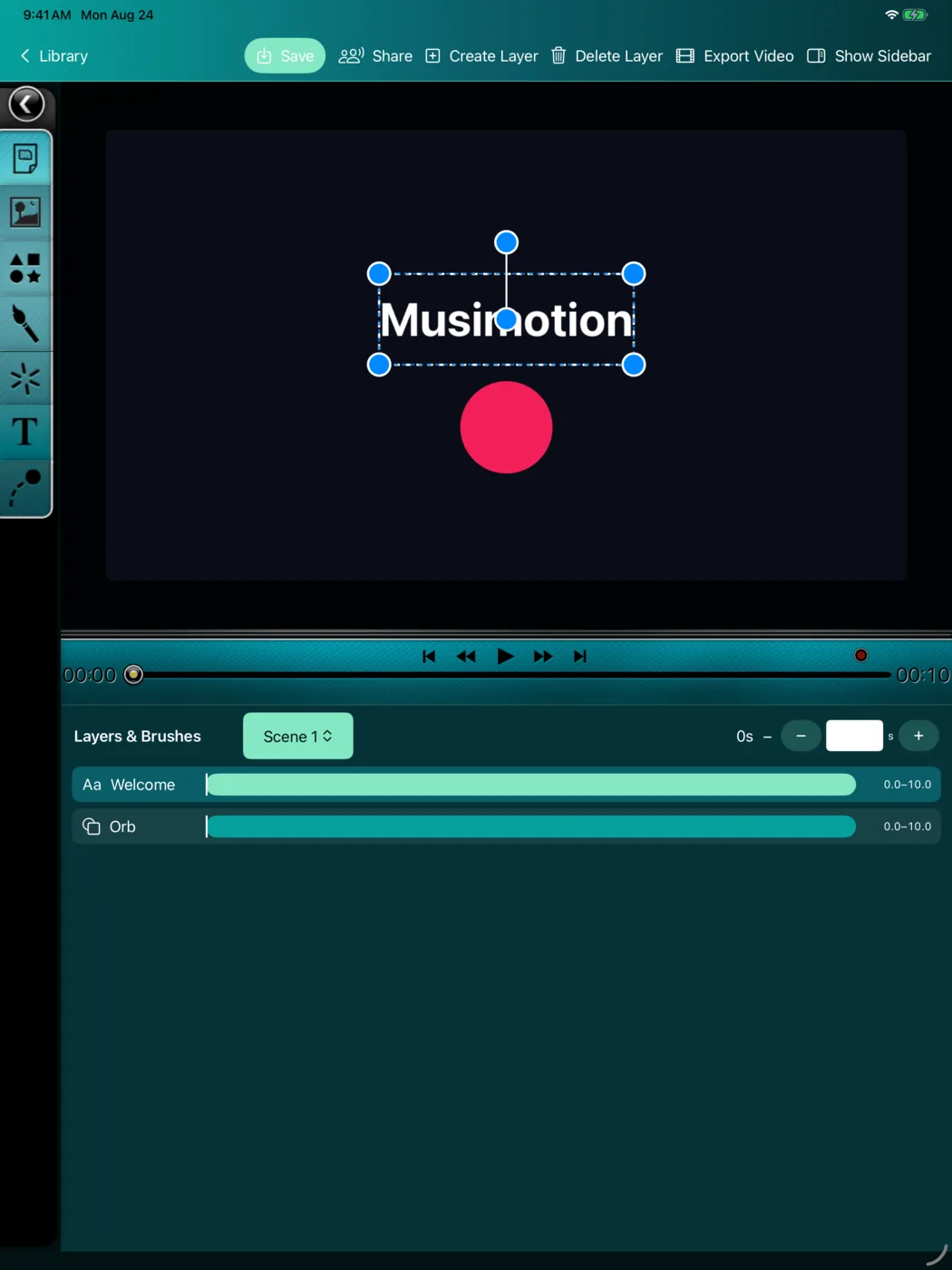
Actual app capture 00:08
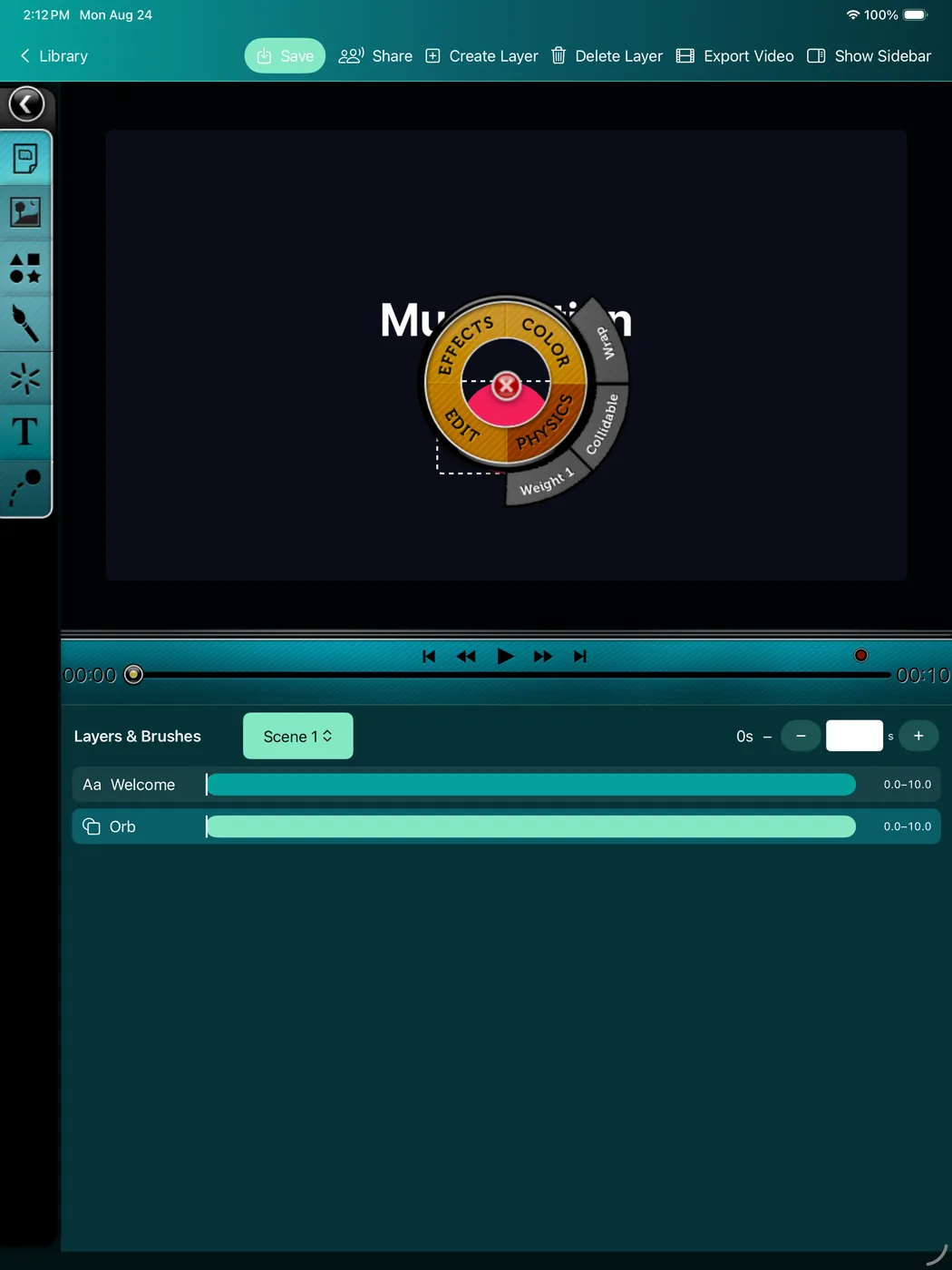
Open the radial tools, style an object, shape its timing, and keep every control close to the canvas. This short capture comes from the working Musimotion app.
Make it yours Direct manipulation
Musimotion keeps the creative loop immediate. Touch the object you want, bring up its contextual controls, and keep working without losing the stage.
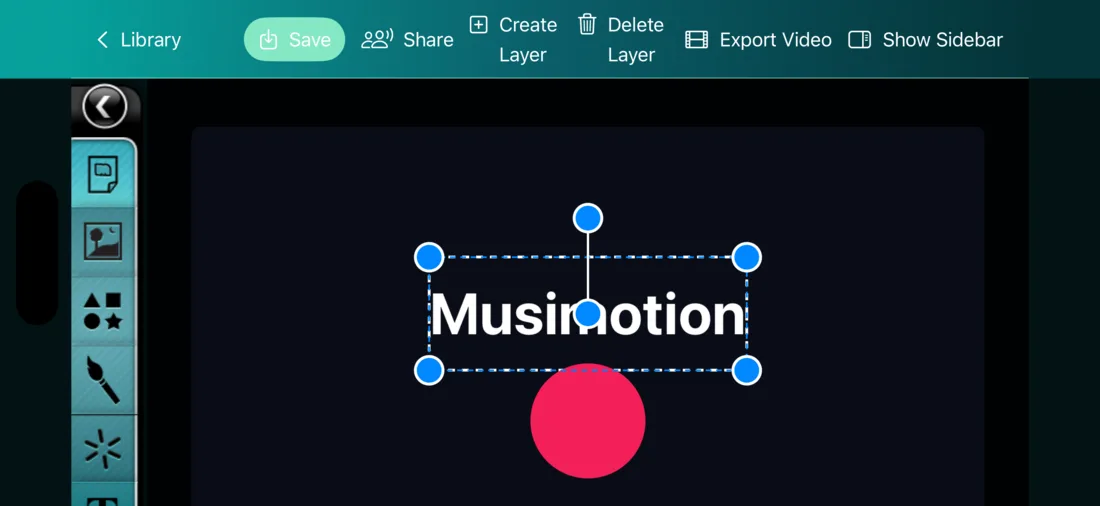
Build layered compositions from familiar materials. Scale each axis independently, position precisely, and keep the canvas clean until you need a control.
Set keyframes, tune layer spans, and play the sequence from a centralized transport designed to make timing feel natural.
Draw with raster paint or turn strokes into live particles. Color, motion, and touch become part of the presentation instead of decoration around it.
Give elements mass, gravity, and collision behavior with SpriteKit-powered physics, then combine authored movement with responsive performance.
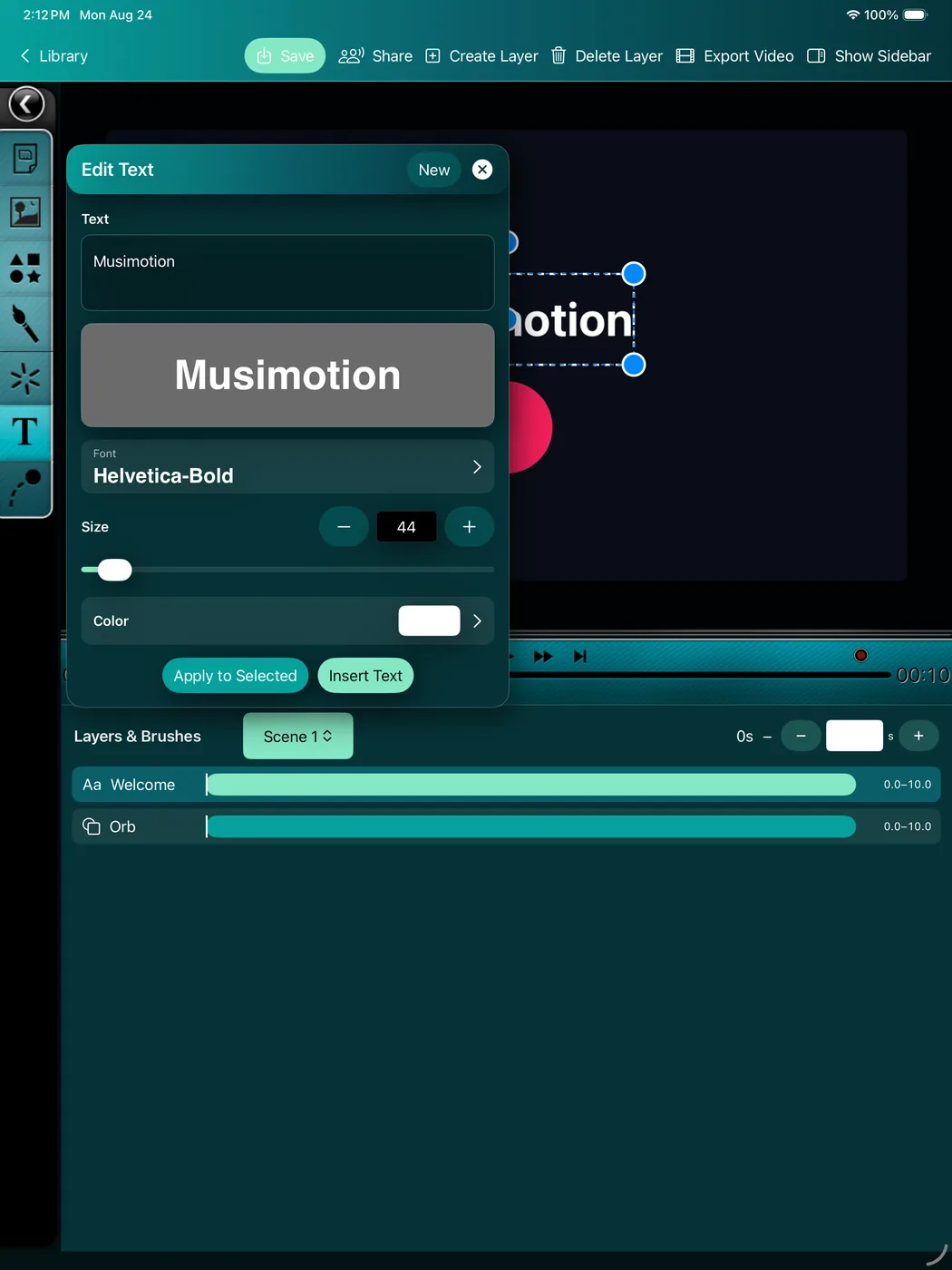
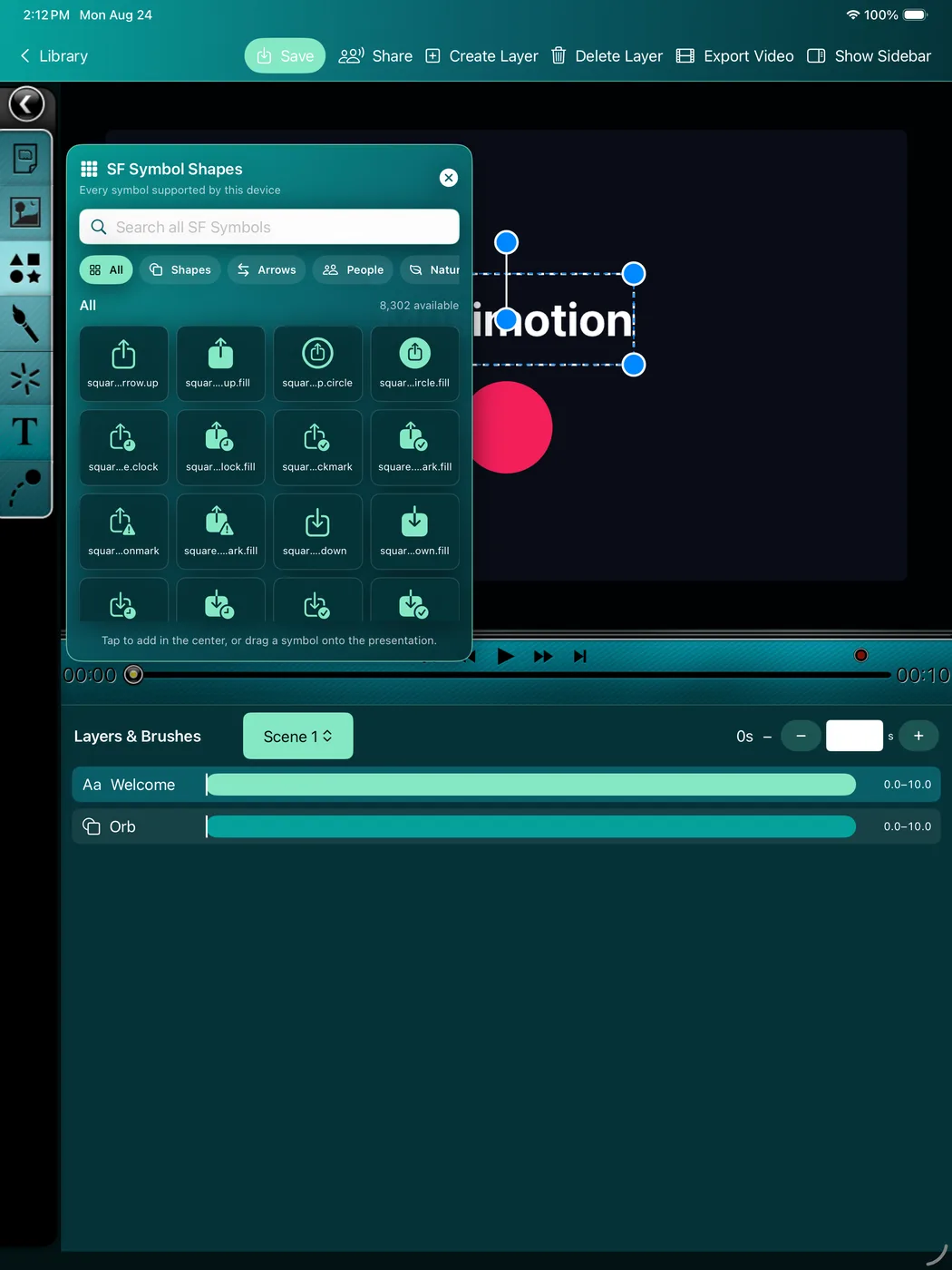
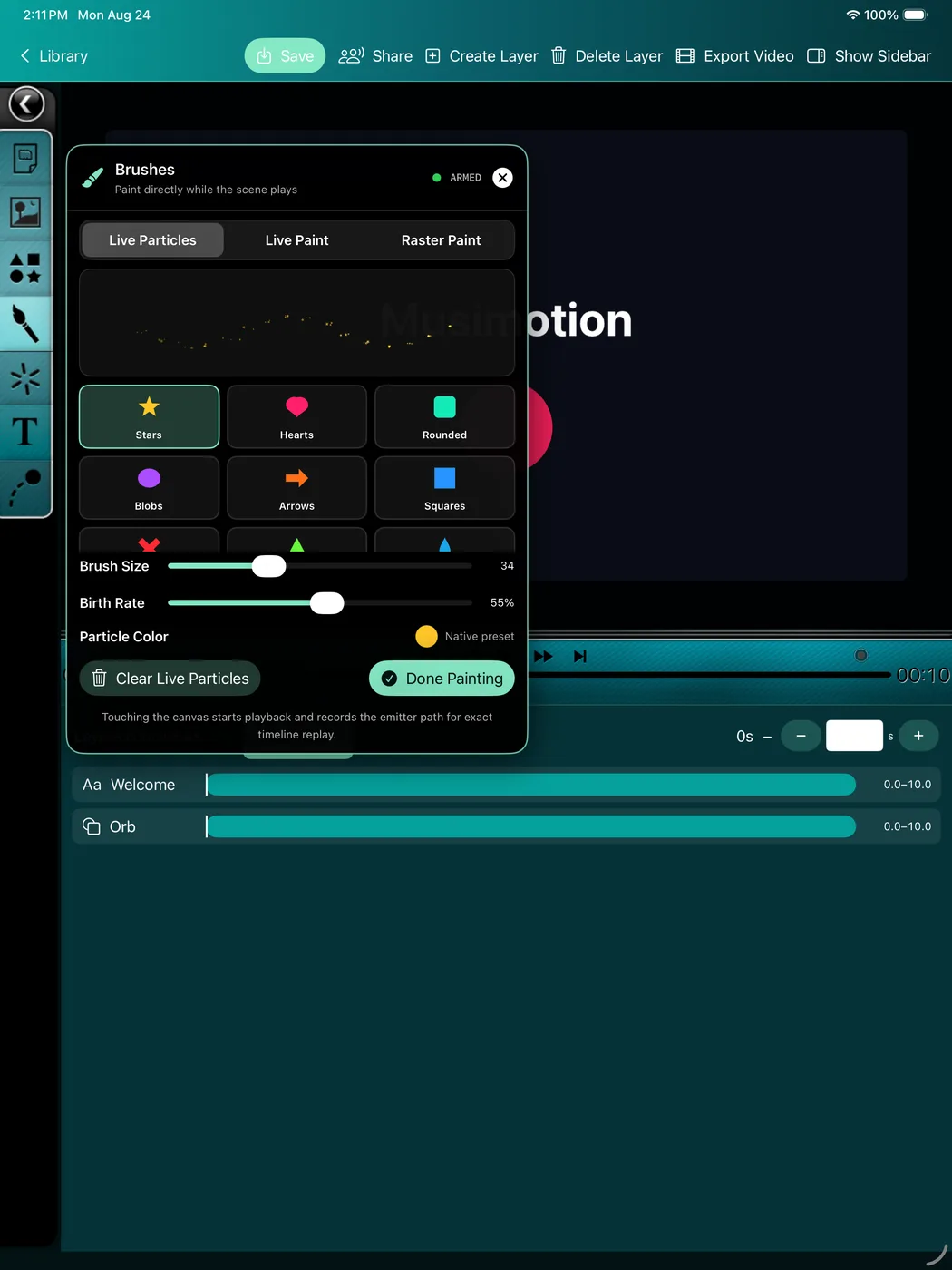
Present differently Replay · interact · export
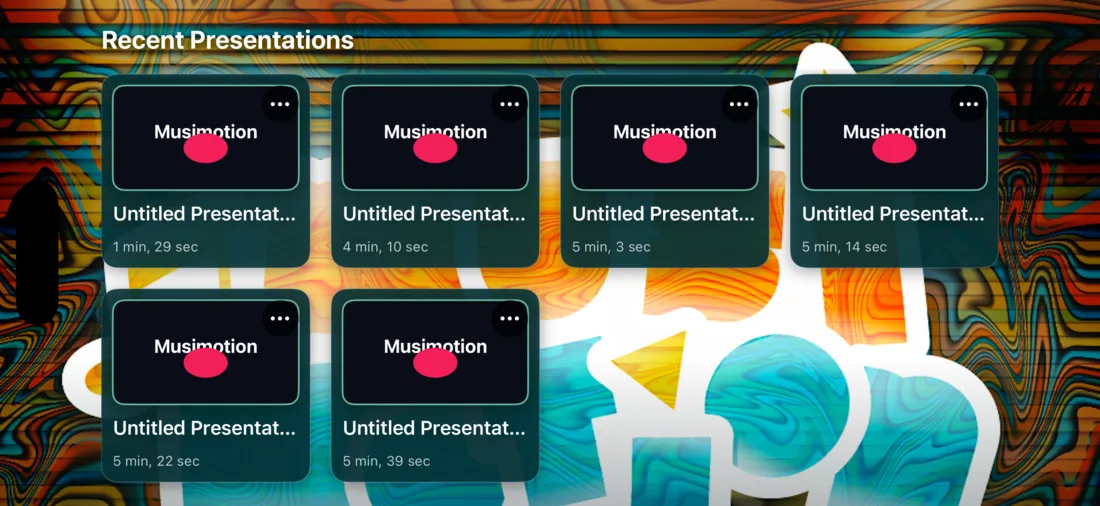
Replay a precisely authored sequence or interact with it in the moment. Musimotion combines a familiar timeline with a responsive stage so creators can design, rehearse, and deliver from the same project.
New creative intelligence Private planning · expressive paint
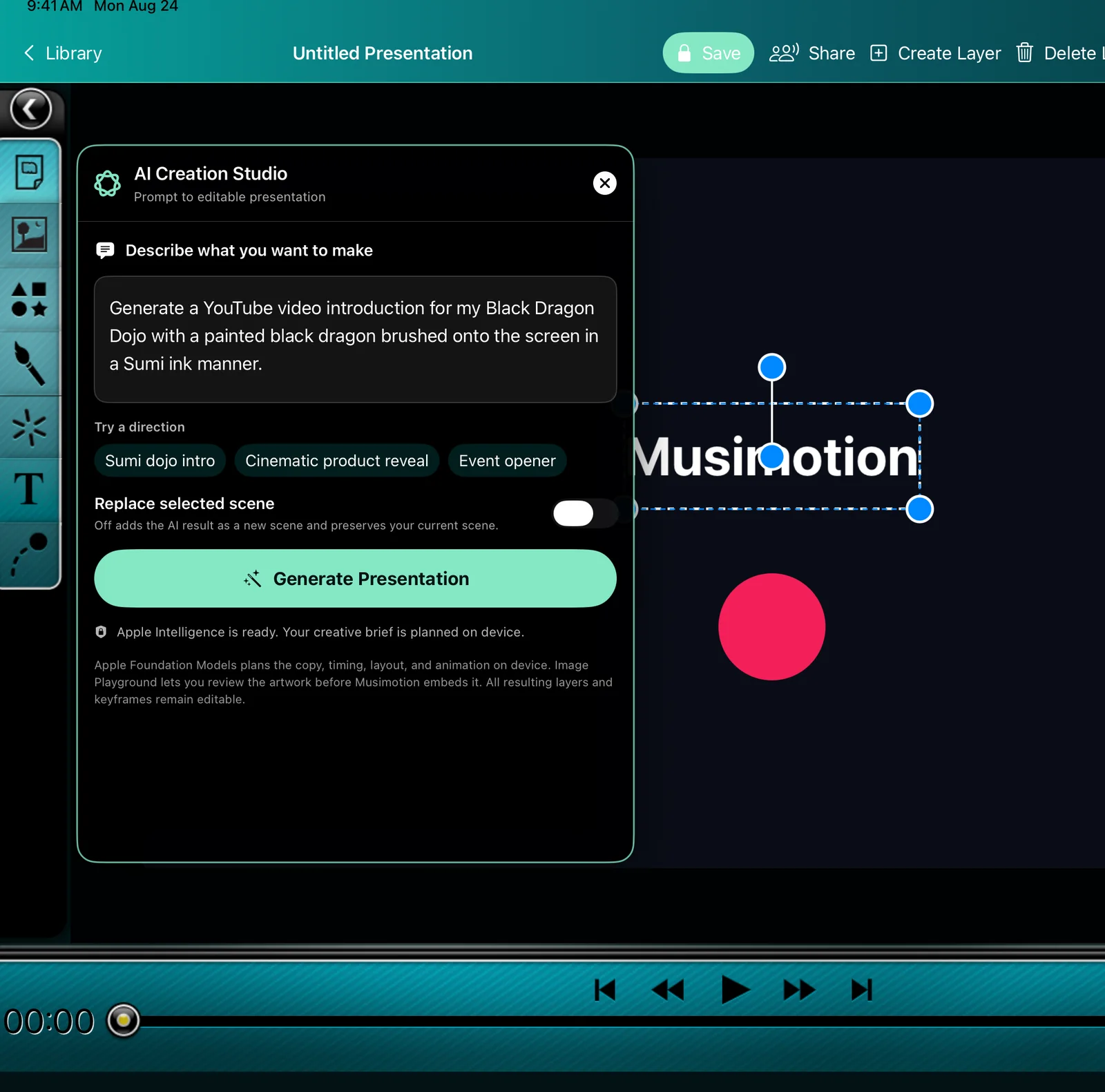
Musimotion’s AI Creation Studio turns a creative direction into native layers and keyframes—not a flattened answer. Pair it with a pressure-aware Sumi ink system for scenes that feel authored, tactile, and completely editable.
AI Creation Studio Apple Intelligence
Apple’s Foundation Models framework privately plans concise copy, timing, layout, palette, and camera movement on the device. Image Playground lets you review or refine the artwork before it enters the scene. Musimotion then builds the result from ordinary text, image, and animation layers you can move, rewrite, retime, or remove.
On compatible Apple Intelligence devices running iOS, iPadOS, macOS, or visionOS 26. When the on-device model or Image Playground is unavailable, Musimotion keeps an editable template-planning path available.

Sumi Ink Development preview
Lay a pale stalk onto Rice Paper with Ink Wash. Press and lift Sumi Round to shape the leaves. Switch to Dry Sumi and let broken bristles leave some of the sheet exposed.
Vision Pro 1.0.0 build 12 awaiting App Review November 20, 2026
Read existing 2D presentations in the familiar illustrated editor. Choose 3D Volume to animate solid text, shapes and ink behind and in front of the canvas. Mac and iPad render the same saved project through a movable camera.
On Vision Pro, Open Volume creates a bounded spatial window. Full Immersion surrounds you with the presentation and keeps the original turquoise playback controls within reach. Exit 3D pauses playback and returns to the editor.
Build a 3D music video from 32 editable designs. Beat Rail Express sends a modeled train along angled tracks, with overhead poles and moving traffic on separate depth planes. Each carriage crosses the signal on a beat. Chroma Nova opens into a colored starburst. Five spherical panoramas surround the viewer with an original environment. On Vision Pro, choose your own audio file to repeat the visual phrase for the whole song.
Open 3D Models to animate the photographic ROB scan and its neon callouts, or record poses for the eleven-joint ROB display rig. Watch the three model tours and try the downloadable URDF.
Click an object in the Mac 3D view to edit it, or open Objects to find it by name. Choose from fifty authored templates for animated titles, lower thirds, charts and spatial scenes. The ten HeiLongWuShu tribute paintings pair black dragons in Sumi ink with original shamisen scores. You can also send your own credits toward a vanishing point. Import more scenes as you edit. Extend an opening and continue its music across a scene change. Apply an entrance, accent or exit to any visual layer. See the template and motion walkthrough. The timeline scrubber has its own row below the playback controls.
Music Studio generates music for your presentation on Mac, iPad and Vision Pro. Choose an Electronic, Studio Band or Chamber ensemble, or choose a dedicated Retro 8-bit or Shamisen arrangement. The updated development editor also has Chill House, Rock and Classical Piano. Listen to four-bar examples in the guide. Preview a variation before adding it to a scene. Rhythm Studio can turn the accents in that performance into an editable target chart.
Droid Arena turns a Vision Pro scene into three waves of flying droids. In Full Immersion a pulse tool follows your right hand. Reach toward your left shoulder to draw the shield, or use the shield control in front of you.
Rhythm Studio turns your song into a playable chart. Choose a hand, lane and shape for each target. In Full Immersion, a 360° panorama surrounds you as you cut shapes to the music with two hand-tracked sabers.
Import the Birthday Surprise template to add a countdown and greeting, falling balloons, confetti and fireworks. Adjust fall speed, wind and bounce. Mac and iPad show the saved camera view. On Vision Pro, the balloon drop surrounds you and can react to your tracked position.

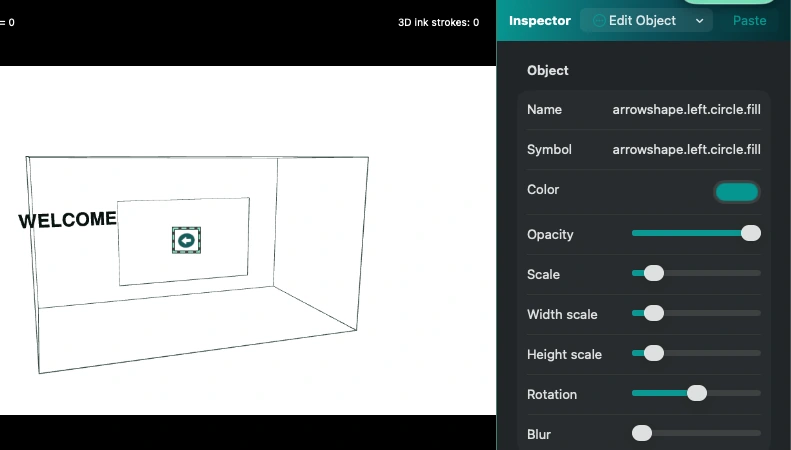
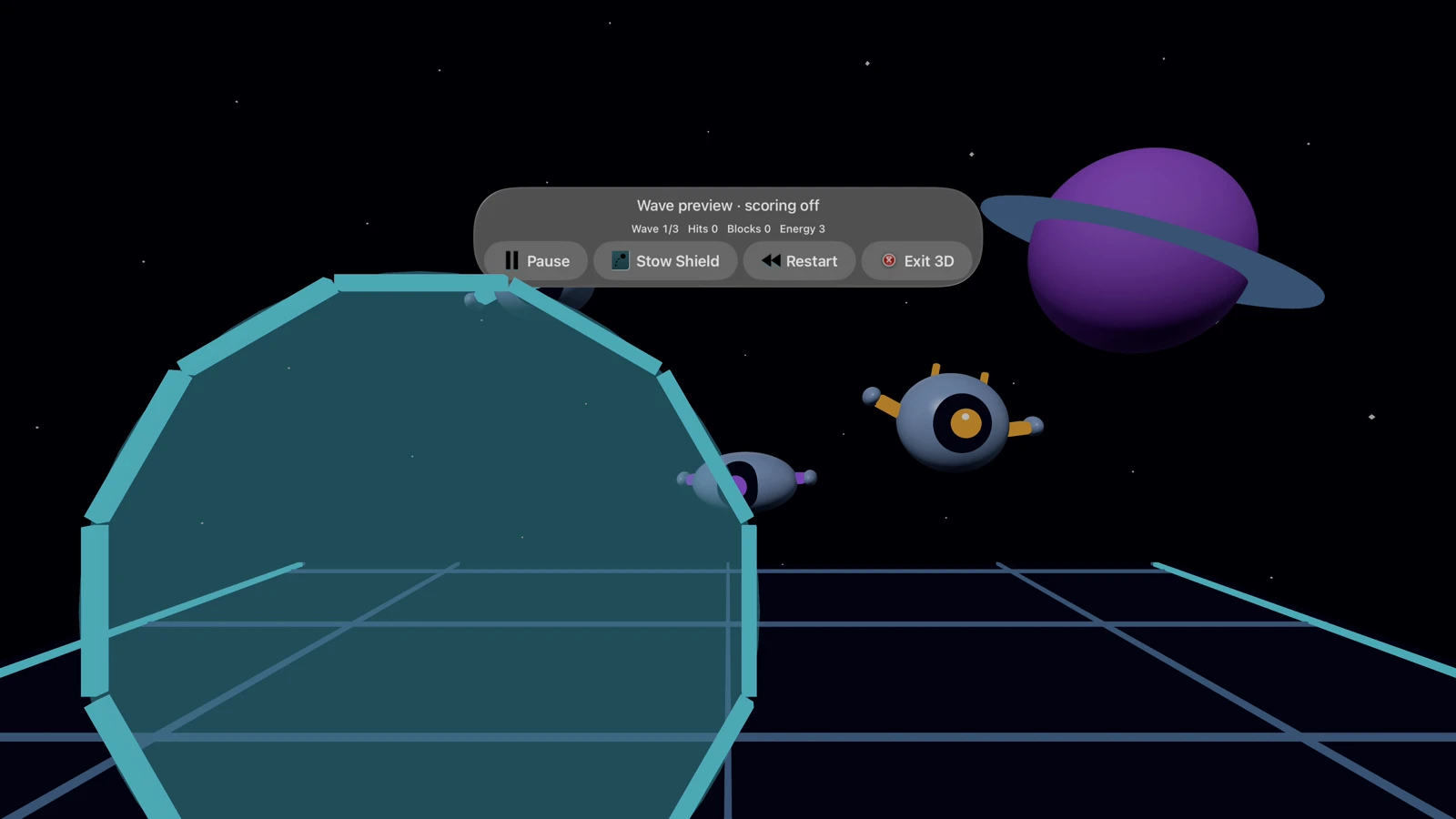
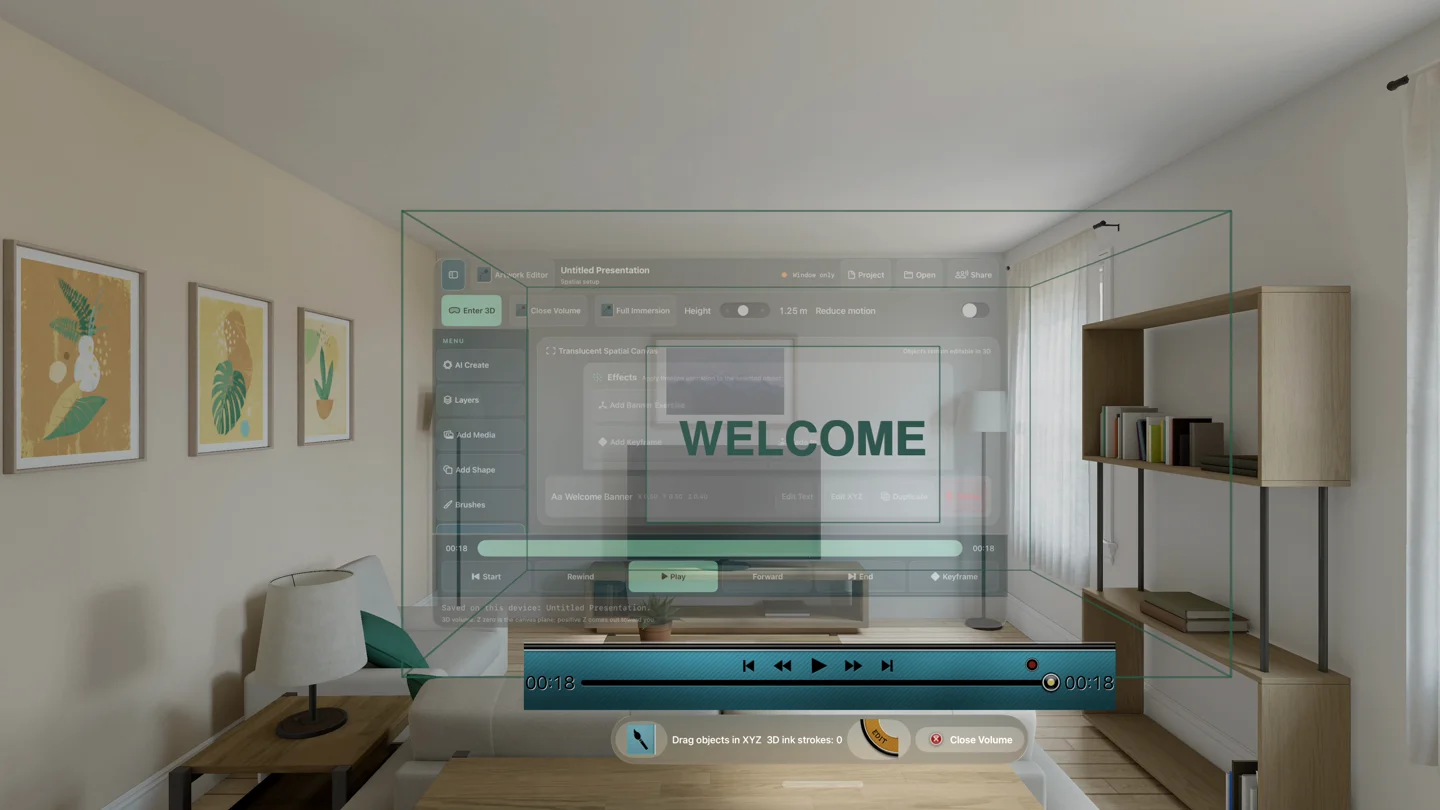
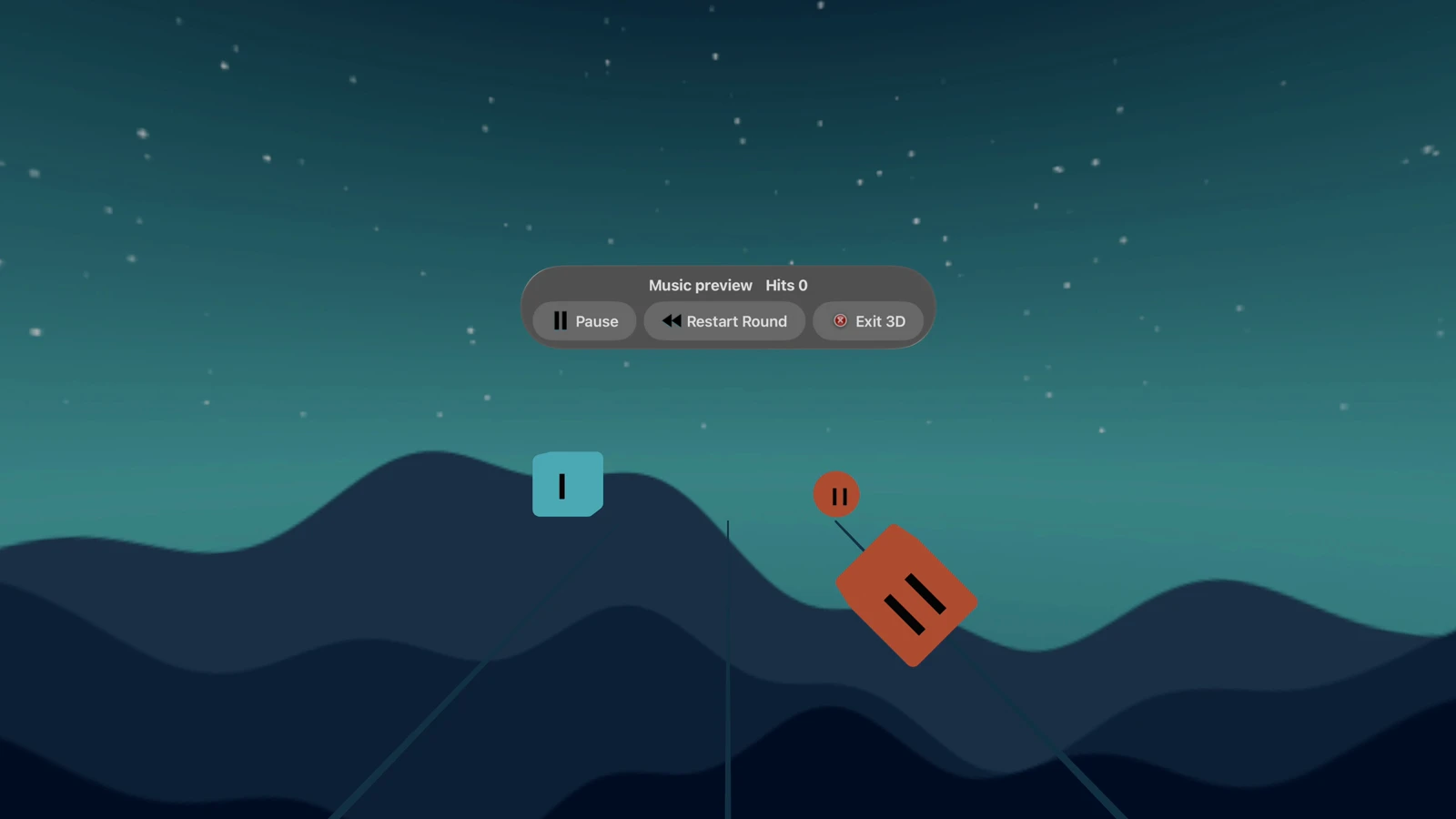
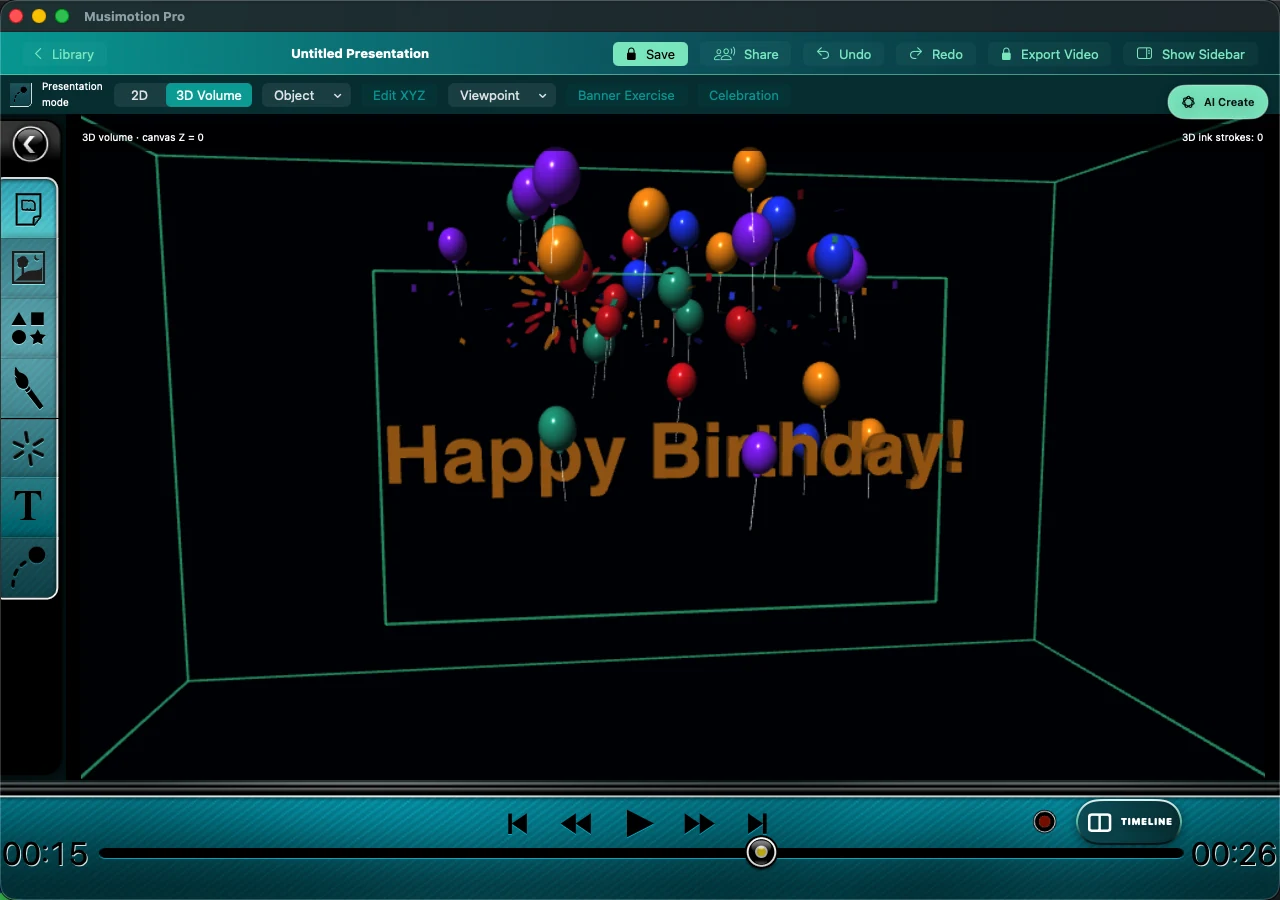
Physical hand interaction, headset comfort, sustained performance and perceived audio sync still require device acceptance. The guide covers waveform generation, wave previews, shield access, Reduce Motion and tracking recovery. The updated Vision Pro editor includes imported models, moving film walls and beat-synchronized 3D railways. The approved Mac binary is an earlier build.
Mac requires macOS 15 or later; iPad requires iPadOS 18 or later; Vision Pro requires visionOS 2 or later. On-device AI planning additionally requires compatible hardware, region and OS 26 or later. Install matching updated development builds to exchange the new 3D project data.
Studio preview Community publishing
Play a creator’s movie preview or choose Open public page to share that creation. Private invitations and unlisted playback links stay out of the gallery.
How to share a creationCreators can publish a presentation from the Community panel in Musimotion Studio. Check back here to see their work.
Approved Mac launch plans Release pending
The app is configured as a free download. A permanent purchase unlocks professional local export; Studio supports ongoing collaboration services. Apple has approved the Mac app and these purchase items. Manual release is pending, so they are not yet publicly available for purchase.
.musimotion packages$49.99/year · 14 days free, then $49.99/year unless canceled.
Join the Studio waitlist| Capability | Free | Pro Export | Studio |
|---|---|---|---|
| Create, edit, animate, paint, use physics | Yes | Yes | Yes |
| Save and replay local projects | Yes | Yes | Yes |
| Watermarked 720p preview export | Yes | Yes | Yes |
| Full-resolution, watermark-free export | — | Yes | Yes |
Export .musimotion packages | — | Yes | Yes |
| Join or view shared experiences | Yes | Yes | Yes |
| Host live collaboration | — | — | Yes |
| Publish to the community | — | — | Yes |
| Shared editing and version history | — | — | Yes |
Configured US launch prices, verified November 19, 2026; prices and availability vary by storefront. Studio includes professional export while subscribed. Other platform releases remain pending. China mainland availability awaits compliance verification.
Designed to feel fair Upgrade at the value boundary
The paywall appears only for watermark-free or high-resolution export, editable package export, hosting collaboration, or community publishing.
If Studio ends, every local project remains editable and playable. Preview export remains available; only new premium exports and online hosting or publishing relock.
The launch plan is a universal app purchase so a permanent Pro Export unlock or active Studio subscription follows the creator across iPad, Mac, and Apple Vision Pro.
The model follows Apple’s guidance for permanent non-consumable purchases, ongoing subscription value, and universal purchase across Apple platforms.
Musimotion Coming to Apple platforms
Musimotion Pro for Mac and its paid plans are approved, with manual release pending. Vision Pro 1.0.0 build 12 is awaiting App Review and is set for automatic release after approval. Use the editor controls guide to move an object, spin its menu and apply effects. The visionOS guide covers the spatial workspace and playback.