Connected missions
Calibration, keys, locked doors, route planning, guarded cells, and Mission Control form one escalating campaign.
Native ROB learning · iPhone · iPad · Apple Vision Pro
Drive a detailed ROB, solve ten increasingly logical missions, inspect its systems, talk to its on-device guide, and enter a spatial workshop built for Apple platforms.

Calibration, keys, locked doors, route planning, guarded cells, and Mission Control form one escalating campaign.
ROB’s model shows two segmented seven-joint arms, hand-height horizontal lightsabers, sword slashes, and visible laser fire.
The beat, bass, hats, and synth sequence are generated locally at runtime and intensify as the campaign advances.
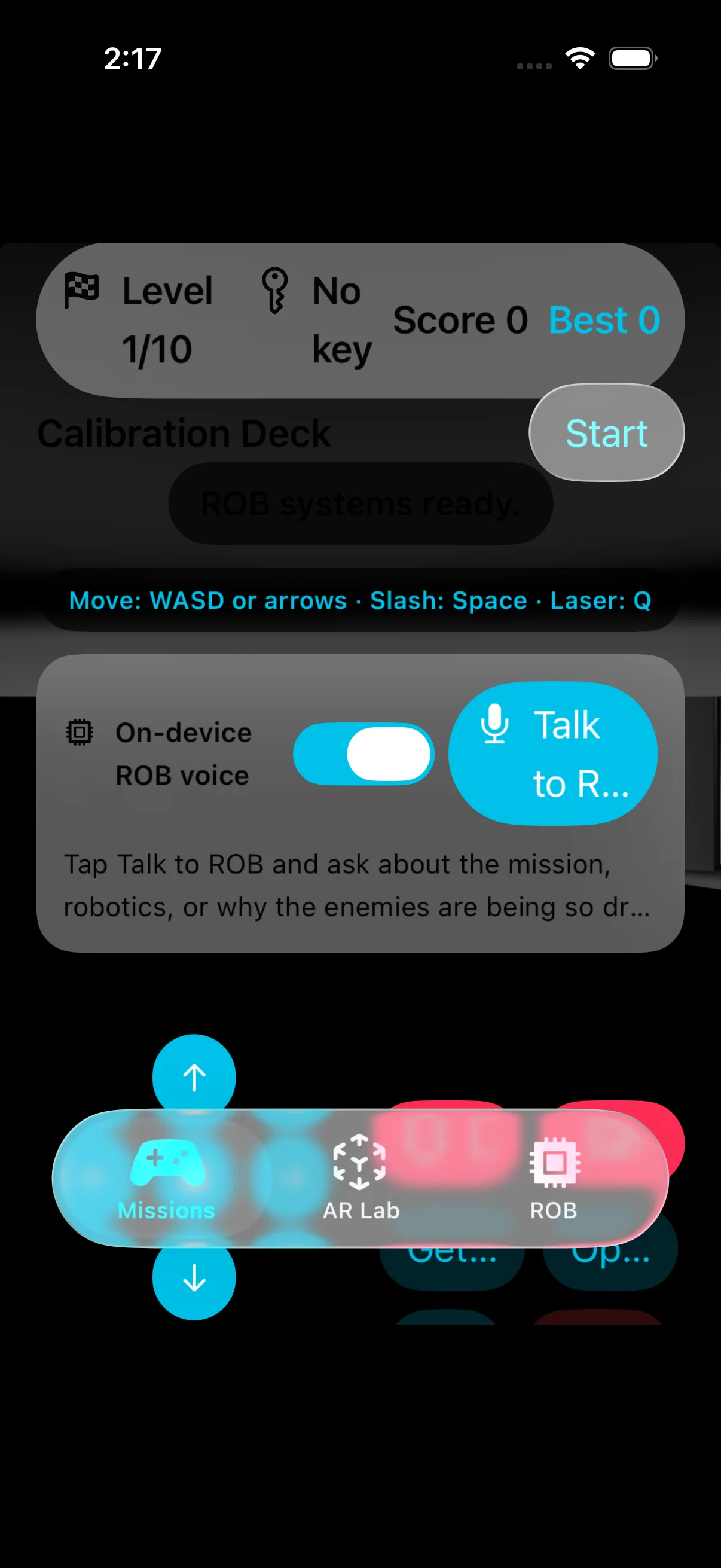
Use WASD or arrow keys to drive, Space to slash, and Q to fire the laser. Touch and spatial buttons remain available.

iPhone and iPad
The iOS app combines a RealityKit campaign with an AR Lab and a component explorer. Place ROB on a detected surface, inspect its base, power, Cerebro, sensors, safety systems, and dual arms, then ask the on-device ROB guide questions about the mission.
Apple Vision Pro
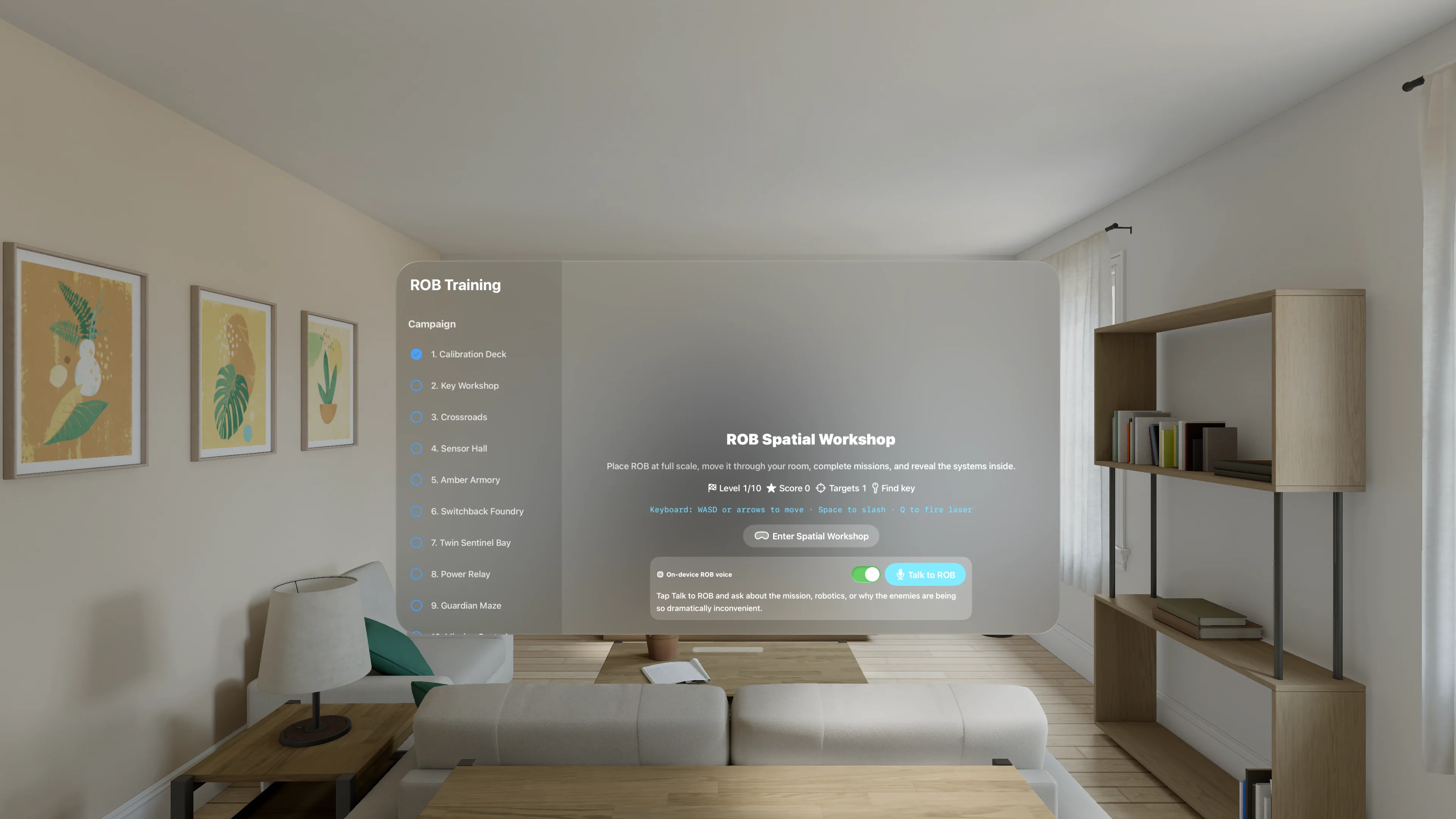
The visionOS app presents the complete campaign in a glass mission window, then opens an immersive workshop where ROB can be placed, scaled, driven, inspected, and operated with spatial controls or a connected keyboard.

Build it and learn from it
Swift and RealityKit developers can follow the shared campaign model, native rendering, spatial interface, speech features, procedural audio, and separate iOS and visionOS entry points in the public repository.
github.com/RudyAramayo/ROBTrainingGamesThese are simulated educational games. They do not connect to or command the physical robot.